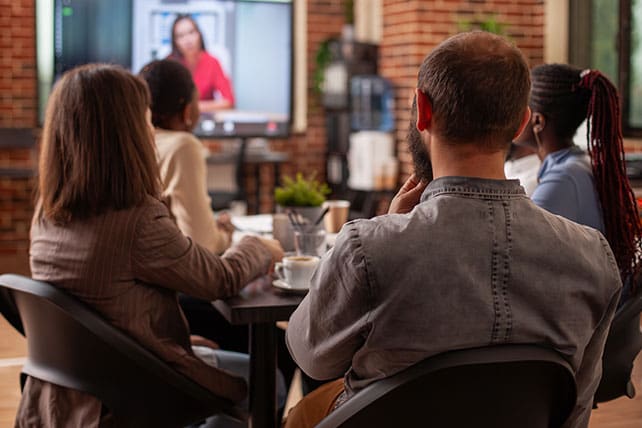
Using video in a small group can feel like a shortcut, but when done well, it becomes a tool that deepens conversation and strengthens relationships. People don’t gather just to watch a screen. They gather because they long for connection, clarity, and spiritual growth. A well-chosen video can help open hearts, frame Scripture, and spark the kind of conversation that doesn’t happen on autopilot.
Video is not the centerpiece of the group. It’s the conversation starter. Your job is to help the group use it wisely.
Pick the Right Video for Your People
Not all video teaching is created equal, and not every group responds the same way. A young adult Bible study may connect with fast-paced, story-driven content. A group of retirees may prefer quieter teaching with clear outlines and slower pacing. Select videos that reflect your group’s spiritual maturity, attention span, and real-life questions.
Before you commit, preview the material. Make sure the teaching aligns with your church’s doctrine and goals. And confirm the session lengths so you’re not accidentally serving a 42-minute theological marathon.
Set Expectations Before You Press Play
How you frame the experience determines how people engage. Let the group know why the video matters and what you hope they’ll listen for. This helps people stay mentally present instead of fading into passive “TV mode.”
RELATED: Should Tech Be Allowed in a Small Group Meeting?
A simple statement can make a huge difference: “As you watch, note one idea that encouraged you and one question that stretched you.” That gives everyone a clear way to participate in the discussion that follows.
Create an Environment That Works for Video
Even the best video teaching falls flat if no one can hear or see it. Pay attention to the room setup. Adjust lighting to reduce glare on the screen. Make sure the seating is arranged so people can see without turning their necks into a chiropractic case study.
Check the audio before the group arrives. Nothing derails momentum faster than the chaotic scramble for volume settings while everyone stares at you and pretends they aren’t judging.